
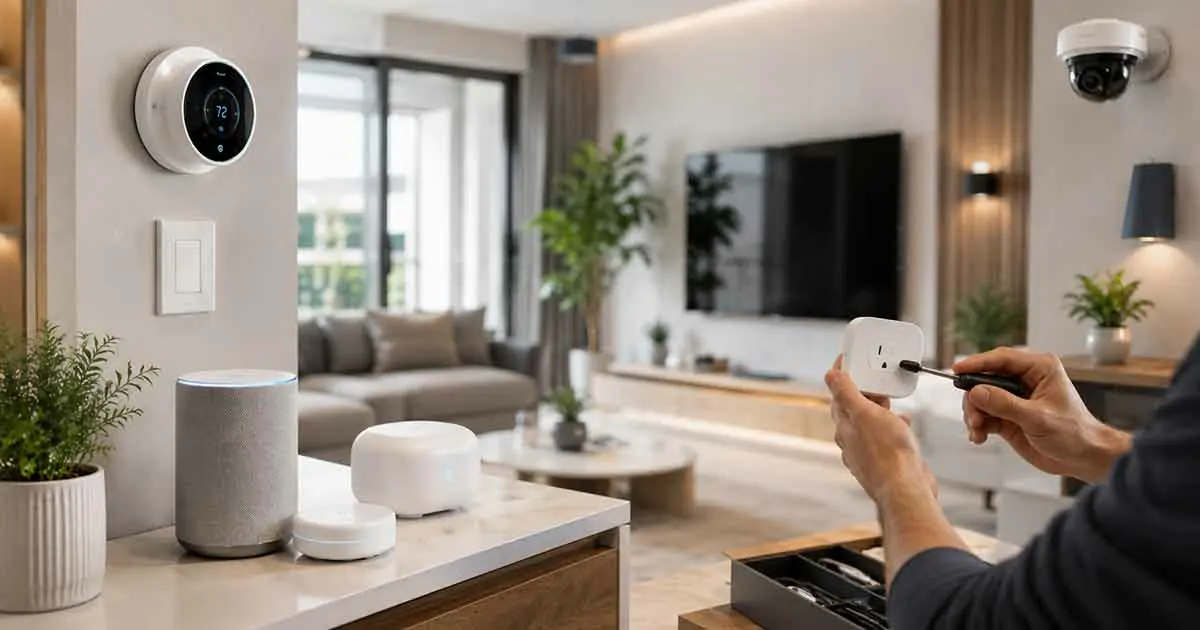
Building a smart home can make everyday life more convenient, efficient, and secure. However, getting started can feel overwhelming because of the many devices, platforms, and technologies available.
A successful smart home installation does not require buying every device at once. The best approach is to create a reliable foundation and gradually add smart products based on your needs.
This guide explains how to set up your first smart home, choose the right devices, create a reliable system, and avoid common installation mistakes.
What Is Smart Home Installation?
Smart home installation is the process of setting up connected devices, configuring smart platforms, and creating automation systems that work together.
A smart home installation may include:
- Smart lighting
- Smart thermostats
- Smart speakers
- Smart security devices
- Smart sensors
- Smart appliances
The goal is to create a connected environment where devices communicate and respond automatically.
Plan Your Smart Home Before Installation
Before purchasing devices, create a basic plan for your smart home.
Consider:
- Which areas need automation
- What problems you want to solve
- Your budget
- Future expansion plans
Planning helps avoid buying incompatible devices.
Choose a Smart Home Ecosystem
A smart home ecosystem connects your devices through a common platform.
Popular platforms include:
- Amazon Alexa
- Google Home
- Apple Home
- Samsung SmartThings
Choose an ecosystem that matches your preferred devices and future plans.
Check Device Compatibility
Compatibility is one of the most important factors when building a smart home.
Before purchasing, check:
- Platform support
- Network requirements
- Hub requirements
- Matter compatibility
Compatible devices are easier to manage and expand.
Build a Strong Smart Home Network
A reliable network is the foundation of every smart home.
Important steps include:
- Using a quality router
- Improving Wi-Fi coverage
- Considering mesh networking
- Securing your network
A strong network helps prevent connection problems and automation failures.
Start With Essential Smart Home Devices
Beginners do not need to install everything at once.
A good starting setup may include:
Smart Speakers
Smart speakers provide voice control and can act as a central control point.
They allow users to:
- Control devices
- Create routines
- Access information
Smart Lighting
Smart lights are among the easiest devices to install.
They provide:
- Remote control
- Scheduling
- Energy management
Smart Thermostats
Smart thermostats help improve comfort and energy efficiency.
They can automatically adjust temperature settings based on preferences and schedules.
Smart Security Devices
Security devices improve home protection.
Examples include:
- Smart cameras
- Smart locks
- Smart sensors
- Video doorbells
Install Smart Home Hubs When Needed
Some smart devices connect directly to Wi-Fi, while others require a hub.
A smart home hub can help:
- Connect different devices
- Improve automation
- Manage multiple systems
Create Smart Home Automation Routines
Automation is what makes a smart home truly intelligent.
Examples include:
Morning Routine
Automatically:
- Open smart blinds
- Turn on lights
- Adjust thermostat settings
Security Routine
Automatically:
- Lock doors
- Activate cameras
- Send alerts
Energy Saving Routine
Automatically:
- Adjust temperature
- Turn off unused devices
- Optimize energy usage
Install Smart Home Devices Room by Room
A gradual installation approach is often easier.
Living Room
Common devices include:
- Smart speakers
- Smart lighting
- Smart displays
Kitchen
Useful devices include:
- Smart appliances
- Smart sensors
- Smart lighting
Bedroom
Popular options include:
- Smart bulbs
- Smart speakers
- Smart blinds
Entrance and Outdoor Areas
Consider:
- Smart locks
- Video doorbells
- Security cameras
Smart Home Installation Mistakes to Avoid
Buying Devices Without Planning
Random purchases can create compatibility problems.
Ignoring Network Requirements
A weak network can reduce device performance.
Installing Too Many Devices Quickly
Start with useful devices and expand gradually.
Forgetting Security Settings
Always:
- Change default passwords
- Enable security features
- Update devices regularly
Not Considering Future Expansion
Choose systems that can support additional devices later.
Professional Installation vs DIY Installation
Many smart home devices are designed for DIY installation.
DIY installation works well for:
- Smart bulbs
- Smart speakers
- Smart plugs
- Many sensors
Professional installation may be useful for:
- Complex security systems
- Wired devices
- Large smart home projects
Smart Home Installation and Matter Technology
Matter is making smart home installation easier by improving compatibility between devices from different manufacturers.
Matter-compatible devices can help homeowners:
- Reduce compatibility issues
- Choose from more products
- Build flexible smart home systems
Smart Home Installation Checklist
Before completing your installation:
- Secure your network
- Update device software
- Test all connections
- Create automation routines
- Review privacy settings
- Organize device accounts
Frequently Asked Questions
Can I install a smart home myself?
Yes. Many smart home devices are designed for simple DIY installation.
What should I install first in a smart home?
Beginners often start with smart speakers, smart lighting, smart plugs, or security devices.
Do I need a smart home hub?
Not always. The need depends on the devices and automation requirements.
How long does smart home installation take?
The time depends on the number of devices and system complexity.
Is smart home installation expensive?
Costs vary depending on the devices, features, and level of automation you choose.
Final Thoughts
Smart home installation is easier when approached with a clear plan.
By choosing compatible devices, building a reliable network, and adding automation gradually, homeowners can create a connected home that improves comfort, security, and efficiency.
A well-designed smart home starts with a strong foundation and grows according to your needs.