
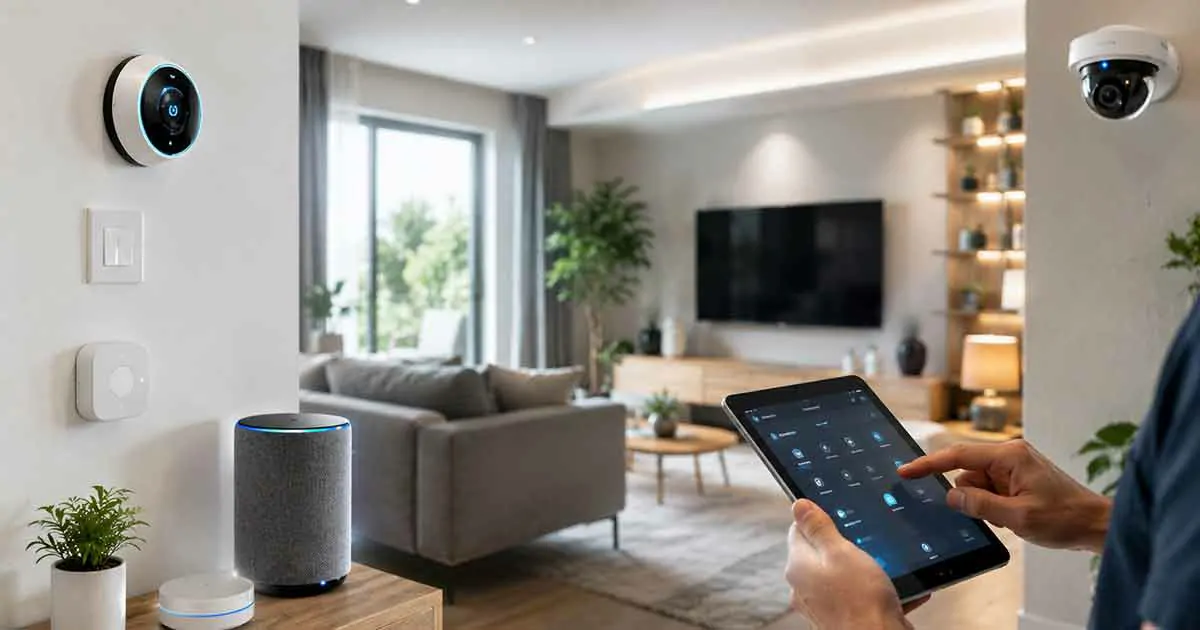
Smart home devices can make everyday life more convenient, efficient, and secure. However, like any technology, connected devices require regular maintenance to continue performing reliably over time.
Many homeowners focus on buying smart devices but overlook the importance of maintaining them. Proper smart home maintenance helps improve performance, enhance security, reduce technical issues, and extend the lifespan of connected devices.
This guide explains the most important smart home maintenance practices and how to keep your connected home running smoothly.
Why Smart Home Maintenance Matters
A smart home relies on multiple devices, software systems, wireless connections, and automation routines.
Without regular maintenance, homeowners may experience:
- Connectivity problems
- Reduced performance
- Security vulnerabilities
- Device failures
- Automation errors
Consistent maintenance helps prevent these issues and improves overall reliability.
Keep Smart Devices Updated
One of the most important maintenance tasks is installing software and firmware updates.
Manufacturers regularly release updates to:
- Improve performance
- Fix bugs
- Enhance security
- Add new features
Ignoring updates can increase security risks and reduce device reliability.
Check Device Connectivity Regularly
Smart homes depend heavily on stable connections.
Periodically verify that devices remain connected and functioning properly.
Check:
- Wi-Fi connections
- Smart home hubs
- Automation systems
- Device communication
Resolving connectivity problems early helps avoid larger issues later.
Monitor Smart Home Security
Security should be a regular part of smart home maintenance.
Important practices include:
- Updating passwords
- Reviewing account access
- Enabling two-factor authentication
- Checking privacy settings
Regular security reviews help protect connected devices and personal information.
Test Smart Home Automation Routines
Automation routines can become less effective when devices change or new products are added.
Periodically test:
- Scheduled automations
- Voice commands
- Device triggers
- Smart scenes
This ensures everything continues working as expected.
Maintain Smart Sensors
Sensors play a critical role in automation and monitoring.
Regularly inspect:
- Motion sensors
- Door and window sensors
- Water leak sensors
- Smoke detectors
Check battery levels and verify that sensors respond correctly.
Clean Smart Home Devices
Dust and debris can affect device performance.
Important devices to clean include:
- Smart speakers
- Smart displays
- Security cameras
- Sensors
Follow manufacturer recommendations when cleaning electronic equipment.
Review Battery-Powered Devices
Many smart home products rely on batteries.
Examples include:
- Sensors
- Smart locks
- Remote controls
- Smoke detectors
Regular battery checks help avoid unexpected failures.
Optimize Home Network Performance
The home network is the foundation of a smart home.
To maintain strong performance:
- Restart networking equipment when necessary
- Update router firmware
- Review network coverage
- Monitor connected devices
Reliable connectivity improves the performance of all smart home products.
Manage Smart Home Storage and Data
Some smart devices generate large amounts of data.
Examples include:
- Security cameras
- Video doorbells
- Smart monitoring systems
Review storage settings regularly and remove unnecessary files when appropriate.
Check Smart Home Compatibility
As smart home standards evolve, compatibility may change.
Review:
- Device support
- Platform compatibility
- Smart home ecosystem updates
This helps ensure smooth operation as new technologies become available.
Smart Home Maintenance Checklist
The following checklist can help homeowners maintain a healthy smart home system.
Weekly Tasks
- Check device status
- Review notifications
- Confirm automations are working
Monthly Tasks
- Install updates
- Review battery levels
- Test security devices
Quarterly Tasks
- Audit connected devices
- Review privacy settings
- Test automation routines
Annual Tasks
- Replace batteries when needed
- Review device performance
- Evaluate upgrades or replacements
Common Smart Home Maintenance Mistakes
Ignoring Updates
Outdated software can reduce performance and increase security risks.
Forgetting Battery Maintenance
Dead batteries can interrupt important smart home functions.
Neglecting Network Health
Weak networks often cause smart home problems.
Adding Too Many Devices Without Planning
Large numbers of devices can create management and performance challenges.
Overlooking Security Settings
Regular security reviews are essential for connected homes.
Frequently Asked Questions
How often should smart home devices be updated?
Updates should be installed whenever manufacturers release important security or performance improvements.
Why do smart home devices stop working?
Common causes include connectivity issues, outdated software, battery problems, and network disruptions.
Do smart home sensors require maintenance?
Yes. Sensors should be tested regularly, cleaned when necessary, and monitored for battery status.
How can I improve smart home reliability?
Regular updates, network maintenance, battery monitoring, and automation testing can improve reliability.
Is smart home maintenance difficult?
Most maintenance tasks are simple and can be completed in a few minutes each month.
Final Thoughts
Smart home maintenance is an important part of owning connected devices.
By updating software, monitoring security, testing automation routines, maintaining sensors, and optimizing network performance, homeowners can keep their smart homes operating efficiently for years to come.
A well-maintained smart home provides better reliability, stronger security, and a more enjoyable connected living experience.