
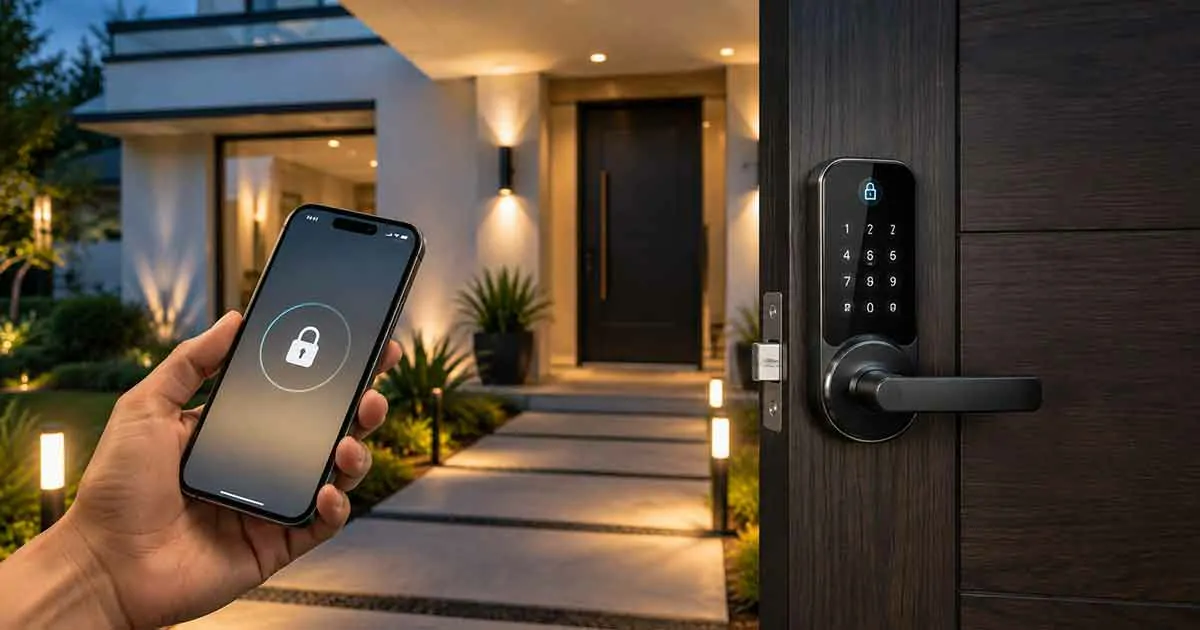
Smart locks are becoming an essential part of modern home security systems. By replacing traditional keys with digital access methods, smart locks provide homeowners with more convenience, control, and flexibility.
These connected devices allow users to lock and unlock doors remotely, create temporary access codes, monitor entry activity, and integrate door security with other smart home systems.
For homeowners looking to improve security while adding convenience, smart locks are one of the most practical upgrades available.
This complete guide explains how smart locks work, their benefits, different types, important features, installation considerations, and how to choose the right smart lock for your home.
What Are Smart Locks?
Smart locks are electronic door locks that use wireless technology to provide keyless access and remote control.
Unlike traditional locks, smart locks can be managed through:
- Smartphone applications
- Keypads
- Fingerprint scanners
- Voice assistants
- Smart home platforms
They allow homeowners to control access without relying only on physical keys.
How Smart Locks Work
Smart locks use different wireless technologies to communicate with smartphones and connected systems.
Common technologies include:
- Wi-Fi
- Bluetooth
- Z-Wave
- Zigbee
The basic process works like this:
- The smart lock connects to a compatible device or hub.
- The homeowner configures access settings.
- Users unlock the door through approved methods.
- The system records activity and sends notifications.
Benefits of Smart Locks
Keyless Entry
One of the biggest advantages of smart locks is the ability to enter without traditional keys.
Access options may include:
- Smartphone unlocking
- PIN codes
- Fingerprints
- Digital keys
Remote Lock and Unlock
Smart locks allow homeowners to control their doors remotely.
Examples:
- Locking the door after leaving home
- Unlocking the door for guests
- Checking door status while away
Temporary Access Codes
Smart locks make it easier to provide controlled access.
Useful for:
- Family members
- Guests
- Service providers
- Rental properties
Entry Activity Monitoring
Many smart locks record access events.
Homeowners can check:
- Who entered
- When the door was opened
- Access history
Smart Home Integration
Smart locks can work with other connected devices.
Examples include:
- Smart security cameras
- Smart speakers
- Smart lighting systems
- Home automation routines
Types of Smart Locks
Deadbolt Smart Locks
These replace or upgrade traditional deadbolts.
Advantages:
- Strong security
- Common installation style
- Suitable for most homes
Smart Lever Locks
These combine a door handle and smart locking system.
They are often used for interior doors or specific entry applications.
Keypad Smart Locks
Keypad models allow entry through PIN codes.
Benefits:
- No physical keys
- Easy guest access
- Simple management
Fingerprint Smart Locks
Fingerprint locks use biometric identification.
Advantages:
- Fast access
- Personalized security
- No passwords required
Wi-Fi Smart Locks
Wi-Fi models connect directly to home networks.
Benefits:
- Remote access
- App control
- No additional hub in many cases
Important Smart Lock Features
Mobile App Control
A good smart lock app should provide:
- Remote management
- Access control
- Notifications
- Activity history
Battery Life
Smart locks rely on batteries, so battery performance is important.
Consider:
- Battery lifespan
- Low battery alerts
- Emergency power options
Security Standards
Look for locks with:
- Strong encryption
- Reliable authentication
- Quality construction
Voice Assistant Compatibility
Many smart locks work with:
- Google Assistant
- Amazon Alexa
- Apple HomeKit
Voice control can add convenience to daily use.
Auto-Locking Features
Automatic locking helps prevent doors from being accidentally left open.
How to Choose the Right Smart Lock
Check Door Compatibility
Before purchasing, confirm that the lock works with your door type.
Consider:
- Door thickness
- Existing hardware
- Installation requirements
Choose the Right Access Method
Different homeowners prefer different options:
- Smartphone access
- Keypad codes
- Fingerprint recognition
- Voice control
Consider Smart Home Compatibility
Choose a smart lock that works with your existing connected devices.
Evaluate Security Features
Focus on:
- Encryption
- Authentication methods
- Physical durability
Consider Installation
Some smart locks are designed for DIY installation, while others may require professional help.
Smart Locks vs Traditional Locks
Smart Locks
Advantages:
- Keyless access
- Remote control
- Activity monitoring
- Integration with smart homes
Traditional Locks
Advantages:
- Simple operation
- Lower cost
- No electronic components
The best choice depends on security needs, convenience preferences, and home technology goals.
Common Smart Lock Mistakes
Ignoring Compatibility
Always check if the lock fits your door and smart home platform.
Forgetting Battery Maintenance
Low batteries can prevent electronic access features from working.
Using Weak Access Codes
Create strong and unique access codes.
Overlooking Physical Security
Smart features should complement, not replace, strong door hardware.
Smart Locks and Home Automation
Smart locks become more powerful when connected with other devices.
Examples:
Arrival Routine
When you arrive home:
- Unlock the door
- Turn on lights
- Adjust temperature settings
Leaving Home Routine
When leaving:
- Lock doors
- Turn off selected devices
- Activate security settings
Night Routine
Before sleeping:
- Confirm doors are locked
- Activate security features
Frequently Asked Questions
Are smart locks secure?
Yes. When properly installed and configured, smart locks can provide strong security and convenient access management.
Can smart locks work without Wi-Fi?
Some smart locks can operate through Bluetooth or other technologies without Wi-Fi.
Do smart locks need batteries?
Most smart locks use batteries and provide low-battery warnings.
Can smart locks be installed on existing doors?
Many models are designed to replace existing locks, but compatibility should be checked.
Are smart locks worth buying?
For many homeowners, smart locks provide valuable convenience, control, and security improvements.
Final Thoughts
Smart locks offer a practical way to upgrade home security while adding modern convenience. With keyless entry, remote access, activity monitoring, and smart home integration, they are becoming an important part of connected homes.
Choosing the right smart lock requires considering compatibility, security features, access methods, and long-term reliability. When selected carefully, a smart lock can improve both safety and everyday convenience.