
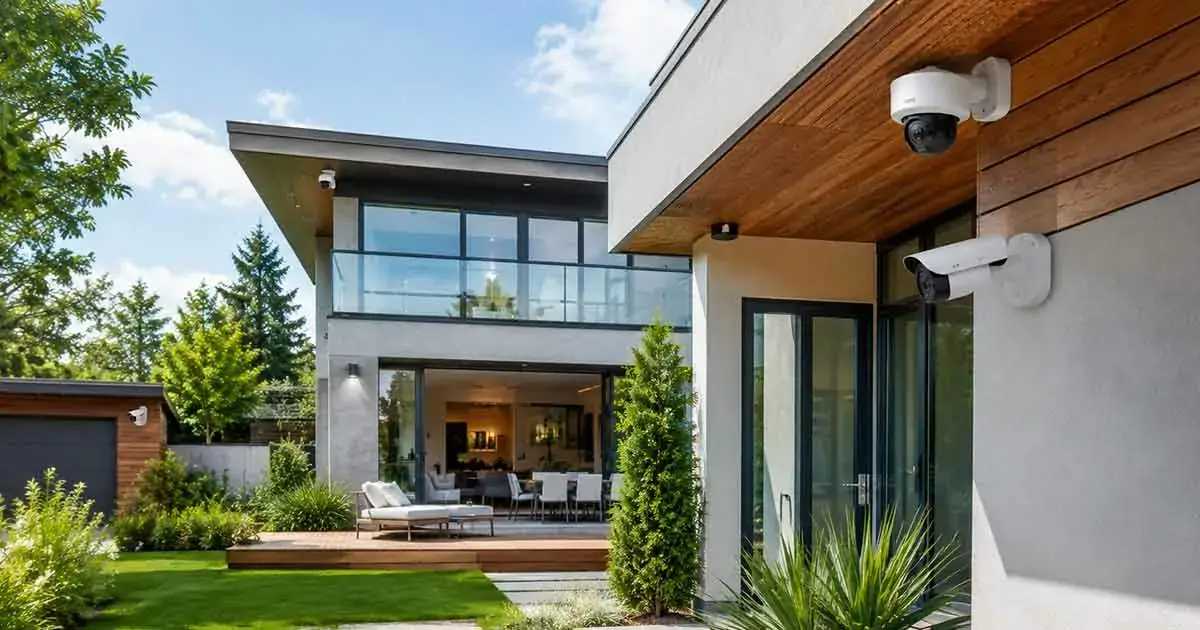
Home security cameras have become one of the most effective tools for protecting modern homes. They help homeowners monitor their property, deter unwanted activity, and gain peace of mind whether they are at home or away.
With many different camera types, features, and price ranges available, choosing the right option can feel overwhelming. The best home security cameras are not always the most expensive ones, but the ones that match your specific needs, property layout, and security goals.
This comprehensive buying guide covers everything you need to know about home security cameras, including camera types, key features, installation tips, storage options, and common mistakes to avoid.
Why Home Security Cameras Matter
Home security cameras provide homeowners with visibility and awareness that traditional security methods cannot offer. Instead of relying only on locks and alarms, cameras allow you to monitor activity around your home and respond quickly to potential problems.
One of the biggest benefits of security cameras is prevention. Visible cameras can discourage unwanted visitors because properties with surveillance systems are often considered higher-risk targets.
Modern security cameras also help homeowners:
- Monitor entrances and outdoor areas
- Receive alerts about unusual activity
- Check on their property remotely
- Keep an eye on deliveries
- Improve overall home safety
Whether you live in a house, apartment, or vacation property, security cameras can become an important part of a complete home protection strategy.
Types of Home Security Cameras
Choosing the right type of camera depends on where you want to install it and what you want it to accomplish. Different cameras are designed for different situations.
Indoor Security Cameras
Indoor cameras are designed to monitor areas inside your home. They are commonly placed in living rooms, hallways, entryways, and other important spaces.
Common features include:
- Motion detection
- Two-way audio
- Mobile app access
- Privacy modes
- Night vision
Indoor cameras are useful for checking pets, monitoring children, or receiving alerts when unexpected movement occurs inside your home.
Outdoor Security Cameras
Outdoor cameras are built to withstand weather conditions and provide protection around the exterior of your property.
They are commonly installed near:
- Front doors
- Driveways
- Garages
- Backyards
- Side entrances
Important outdoor camera features include weather resistance, strong night vision, wide viewing angles, and durable construction.
Video Doorbell Cameras
Video doorbells combine a traditional doorbell with a security camera. They allow homeowners to see visitors, communicate remotely, and monitor activity near the front door.
Benefits include:
- Visitor notifications
- Package monitoring
- Two-way communication
- Improved entryway security
Video doorbells have become popular because the front door is one of the most important areas to monitor.
Wireless Security Cameras
Wireless cameras are easier to install because they do not require complex wiring. They are often preferred by homeowners who want a flexible security solution.
Advantages include:
- Simple installation
- Flexible placement
- Easy relocation
- Smartphone control
However, wireless cameras require reliable Wi-Fi and may need battery charging depending on the model.
Wired Security Cameras
Wired security cameras use physical connections for power and data transmission. They are often chosen for permanent security installations.
Advantages include:
- Reliable connection
- Consistent power supply
- Suitable for larger properties
The main disadvantage is that installation can be more complicated compared with wireless systems.
Indoor vs Outdoor Security Cameras
The choice between indoor and outdoor cameras depends on the area you want to protect.
Indoor cameras focus on monitoring activity inside your home, while outdoor cameras are designed to protect your property’s exterior.
Outdoor cameras usually require:
- Weather protection
- Better night vision
- Wider coverage
- Stronger construction
For complete protection, many homeowners combine both indoor and outdoor cameras as part of a layered security system.
Wired vs Wireless Security Cameras
Both wired and wireless cameras have advantages depending on your situation.
Wireless cameras are ideal for:
- Renters
- Small homes
- Quick installations
- Flexible security setups
Wired cameras are better for:
- Large properties
- Permanent systems
- Professional installations
The best choice depends on your budget, technical preferences, and security requirements.
Important Features to Consider
Before buying a home security camera, it is important to understand the features that affect performance and reliability.
Video Quality and Resolution
Video quality determines how clearly you can see recorded footage.
Modern security cameras commonly offer:
- 1080p Full HD resolution
- 2K resolution
- 4K Ultra HD resolution
Higher resolution can provide more detail, especially when identifying faces, vehicles, or important objects.
However, higher resolution also requires more storage space and stronger internet performance.
Night Vision Capabilities
A good security camera should provide clear footage during nighttime.
Look for features such as:
- Infrared night vision
- Color night vision
- Low-light performance
Night vision is especially important for outdoor cameras because many security events happen after dark.
Motion Detection and Smart Alerts
Motion detection helps cameras identify activity and send notifications when movement occurs.
Advanced systems may include:
- Person detection
- Vehicle detection
- Animal detection
- Custom activity zones
Smart alerts reduce unnecessary notifications and help homeowners focus on important events.
Storage Options: Cloud vs Local Storage
Security cameras usually store recordings through cloud storage or local storage.
Cloud Storage
Cloud storage saves footage online and allows access from anywhere.
Benefits:
- Remote access
- Automatic backups
- Easy management
Potential disadvantages:
- Monthly subscription costs
- Dependence on internet connection
Local Storage
Local storage saves recordings on devices such as memory cards or network video recorders.
Benefits:
- No monthly fees
- More control over recordings
- Works with limited subscriptions
The right option depends on your preferences, budget, and privacy needs.
Smart Home Integration
Many modern security cameras work with smart home platforms and connected devices.
Integration can allow you to:
- Control cameras with voice assistants
- Connect cameras with smart lights
- Create automated security routines
- Manage devices from one application
A connected security system can make protecting your home easier and more convenient.
Installation Tips
Proper installation plays an important role in camera effectiveness.
Follow these tips:
- Place cameras at important entry points
- Avoid blocked views
- Position cameras high enough to prevent tampering
- Test camera angles before final installation
- Ensure strong Wi-Fi coverage for wireless models
A poorly positioned camera may fail to capture important details.
Best Places to Install Security Cameras
Strategic placement improves security coverage.
Recommended locations include:
Front Door
The front entrance is one of the most important areas because many visitors and deliveries arrive there.
Driveway and Garage
These areas help monitor vehicles, storage spaces, and outdoor activity.
Backyard
Backyards often have fewer visibility points, making them useful locations for additional monitoring.
Side Entrances
Secondary entrances should not be ignored because they may provide alternative access points.
Common Mistakes to Avoid
Many homeowners make mistakes when installing security cameras.
Installing Too Few Cameras
One camera may leave important areas uncovered. A complete security setup usually requires multiple viewpoints.
Ignoring Privacy Considerations
Cameras should be positioned carefully to respect neighbors and private areas.
Choosing Features You Do Not Need
More expensive cameras are not always better. Focus on features that match your actual requirements.
Forgetting Maintenance
Security cameras should be checked regularly to ensure they are working properly.
Best Home Security Cameras for Different Needs
Different homeowners have different security priorities.
Best for Beginners
Simple wireless cameras with mobile apps are often ideal for homeowners who want easy installation.
Best for Large Properties
Systems with multiple cameras and professional installation may provide better coverage.
Best for Smart Homes
Cameras with smart home integration are useful for connected households.
Best Budget Option
Affordable cameras with basic motion detection and HD video can still provide valuable protection.
If you are building your security setup gradually, our guide to home security on a budget covers practical ways to prioritize affordable protection before adding more advanced equipment.
Frequently Asked Questions
Are home security cameras worth it?
Yes, home security cameras can provide valuable protection by improving visibility, monitoring activity, and helping homeowners respond quickly to security concerns.
What is the best location for security cameras?
The best locations are usually entrances, driveways, garages, and areas with limited visibility around your property.
Do security cameras work without Wi-Fi?
Some cameras can work without Wi-Fi through local recording systems, but many smart cameras require internet access for remote monitoring.
How many security cameras does a house need?
The number of cameras depends on the size and layout of the property. Many homes benefit from monitoring all major entry points and important outdoor areas.
Should I choose wired or wireless security cameras?
Wireless cameras are easier to install, while wired systems often provide more reliable long-term performance. The best option depends on your property and security needs.
Final Thoughts
The best home security cameras are the ones that provide reliable protection while matching your home’s specific needs. Understanding camera types, important features, installation options, and storage choices helps you make a smarter buying decision.
A complete security strategy usually combines cameras with other protection methods such as strong locks, outdoor lighting, smart devices, and good security habits.
By choosing the right cameras and installing them correctly, you can create a safer and more connected home environment.