
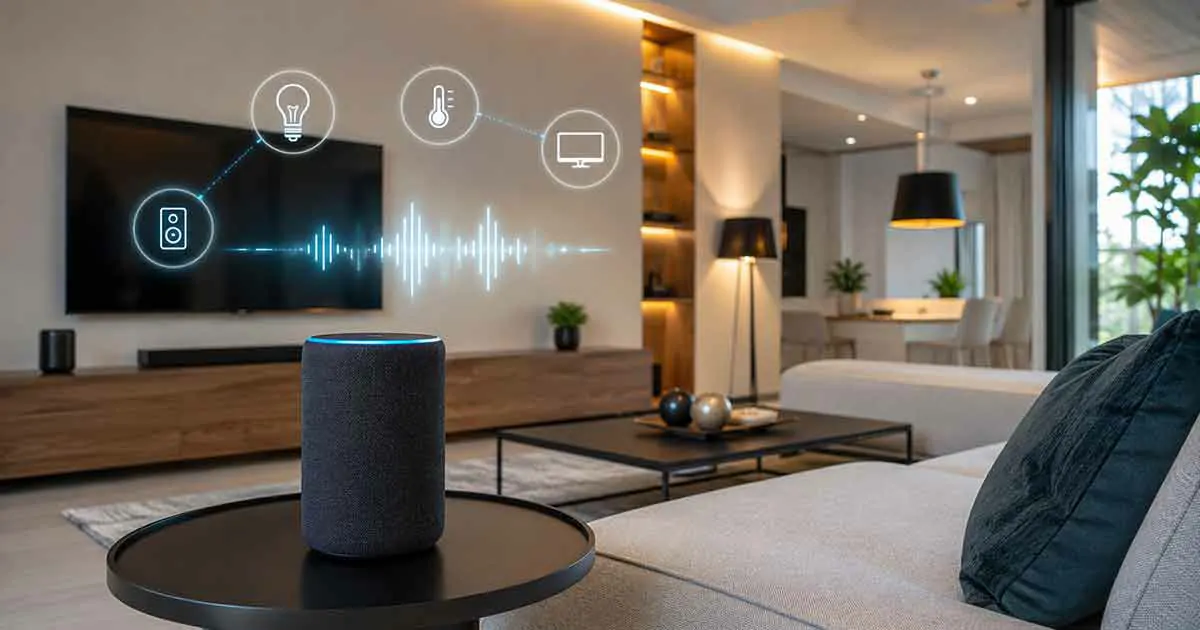
Voice control has become one of the most convenient features of modern smart homes. Instead of using switches, remote controls, or smartphone apps, homeowners can manage connected devices using simple voice commands.
A voice-controlled smart home allows users to control lighting, temperature, security systems, entertainment devices, and other connected products more naturally and efficiently.
For beginners, setting up voice control may seem complicated, but modern smart home platforms make it easier to connect devices and create useful routines.
This guide explains how voice control smart homes work, the benefits, required devices, setup steps, and best practices for creating a reliable voice-controlled home.
What Is Voice Control Smart Home Technology?
Voice control smart home technology allows homeowners to operate connected devices using spoken commands through voice assistants.
Instead of manually controlling devices, users can simply say commands such as:
- Turn on the lights
- Adjust the temperature
- Lock the doors
- Play music
- Start a routine
The voice assistant processes the command and communicates with connected devices to complete the requested action.
How Voice Control Works
A voice-controlled smart home usually includes several components:
- Voice assistant device
- Smart home platform
- Connected smart devices
- Internet connection
- Automation routines
The process works as follows:
- The user gives a voice command.
- The voice assistant recognizes the request.
- The smart home platform processes the command.
- The connected device performs the action.
For example:
Command: “Good night”
Actions:
- Turn off lights
- Lock smart doors
- Adjust thermostat
- Activate security mode
Benefits of Voice Controlled Smart Homes
Hands-Free Convenience
One of the biggest advantages of voice control is convenience.
Users can control devices while:
- Cooking
- Cleaning
- Relaxing
- Carrying items
Voice commands make everyday tasks easier.
Faster Device Control
Voice commands can be quicker than opening apps or searching for controls.
Examples:
- Turning lights on instantly
- Changing room temperature
- Starting entertainment systems
Improved Accessibility
Voice control can be especially useful for people who have difficulty using traditional controls.
It provides an easier way to interact with home technology.
Better Automation
Voice assistants can activate multiple actions with a single command.
Examples:
- Morning routines
- Bedtime routines
- Away mode
Required Devices for Voice Control
Smart Speaker or Voice Assistant
A smart speaker is usually the center of a voice-controlled home.
It allows users to:
- Give commands
- Create routines
- Manage connected devices
Compatible Smart Devices
Voice control works with many types of devices, including:
- Smart lights
- Smart thermostats
- Smart plugs
- Smart locks
- Security cameras
- Smart appliances
Smart Home Platform
A platform connects different devices and allows them to work together.
Common platforms include:
- Google Home
- Amazon Alexa
- Apple HomeKit
Internet Connection
Most voice-controlled devices require a stable internet connection for full functionality.
Best Voice Control Smart Home Ideas
1. Voice-Controlled Lighting
Lighting is one of the easiest areas to automate.
Examples:
- Turn lights on or off
- Adjust brightness
- Change lighting scenes
2. Smart Temperature Control
Voice commands can make temperature management easier.
Examples:
- Increase temperature
- Lower temperature
- Check current settings
3. Security Control
Voice assistants can work with security devices.
Examples:
- Lock doors
- Check cameras
- Activate security routines
4. Entertainment Control
Voice control can simplify entertainment.
Users can:
- Play music
- Control speakers
- Manage connected TVs
5. Daily Routines
Custom routines combine multiple actions.
Examples:
Morning Routine
- Open smart blinds
- Turn on lights
- Adjust thermostat
Night Routine
- Turn off devices
- Lock doors
- Activate security features
How to Set Up Voice Control Smart Home System
Step 1: Choose a Voice Assistant Platform
Select a platform that matches your devices and future plans.
Consider:
- Device compatibility
- Features
- Ecosystem support
Step 2: Install a Smart Speaker
Place the voice assistant in a suitable location.
Consider:
- Room coverage
- Microphone performance
- Accessibility
Step 3: Connect Smart Devices
Add compatible devices through the platform application.
Examples:
- Smart bulbs
- Smart plugs
- Smart thermostats
Step 4: Create Voice Commands and Routines
Customize routines based on your daily habits.
Examples:
- Good morning
- Good night
- Leaving home
Step 5: Test and Improve
Try different commands and adjust routines for better performance.
Tips for Better Voice Control Performance
Use Clear Device Names
Simple names make voice commands more reliable.
Example:
Instead of “Main Lighting System Area One”
Use:
“Living Room Lights”
Place Devices Correctly
The location of smart speakers affects voice recognition.
Avoid placing them:
- Behind furniture
- Near loud appliances
- In enclosed spaces
Keep Software Updated
Updates improve:
- Security
- Compatibility
- Performance
Protect Your Smart Home
Use:
- Strong passwords
- Secure accounts
- Updated devices
Common Voice Control Mistakes
Choosing Incompatible Devices
Always check compatibility before purchasing.
Creating Too Many Complicated Routines
Start with simple automations and expand gradually.
Ignoring Privacy Settings
Review voice assistant privacy controls regularly.
Poor Speaker Placement
Incorrect placement can reduce accuracy.
Voice Control vs Smartphone Control
Both methods have advantages.
Voice Control
Advantages:
- Hands-free operation
- Faster commands
- Easier routines
Smartphone Control
Advantages:
- Detailed settings
- Visual controls
- Remote management
Many homeowners use both methods together.
Frequently Asked Questions
What is the best voice assistant for a smart home?
The best choice depends on device compatibility and personal preferences.
Can voice control work without internet?
Most advanced voice features require an internet connection.
Can I control security devices with voice commands?
Yes, many smart security devices support voice integration.
Is voice-controlled smart home technology expensive?
Costs vary. Beginners can start with affordable smart speakers and basic devices.
Are voice-controlled smart homes secure?
Proper account protection, updates, and privacy settings improve security.
Final Thoughts
Voice control makes smart homes easier to use by allowing homeowners to manage connected devices naturally through simple commands.
Starting with a smart speaker and a few compatible devices is an effective way to build a voice-controlled home. As the system grows, automation routines can create a more comfortable, efficient, and connected living environment.