
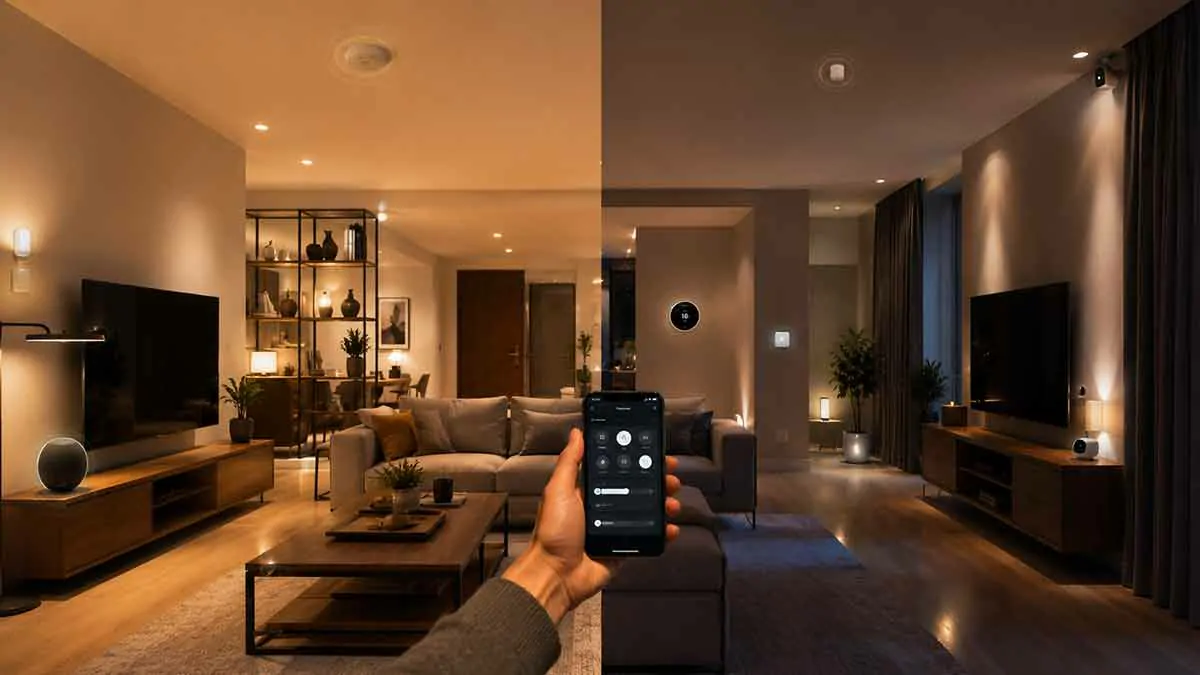
Smart home systems can do much more than let you control individual devices from a phone. They can combine lights, thermostats, smart plugs, sensors, and other connected devices into routines that respond to your needs.
Two terms you will often encounter are smart home scenes and automations.
They may appear similar because both can control multiple devices at once. However, they serve different purposes.
A scene is generally a predefined group of device settings that you activate when you want a particular result. An automation, on the other hand, uses a trigger and conditions to make actions happen automatically.
Understanding the difference can help you build a smart home that is easier to use and maintain.
In this guide, we’ll explain smart home scenes vs. automations, how each one works, when to use them, practical examples, common mistakes, and how the two can work together.
Table of Contents
What Is a Smart Home Scene?
A smart home scene is a predefined configuration that changes multiple device settings together.
Instead of controlling each device individually, you activate one scene and several devices respond at the same time.
For example, a Movie Night scene could:
- Dim the living room lights
- Turn off a nearby lamp
- Adjust compatible accent lighting
- Set the room to a preferred atmosphere
Another scene called Good Morning might increase bedroom lighting and adjust other compatible devices.
The important point is that a scene usually represents a desired state or atmosphere rather than a rule about when something should happen.
How Smart Home Scenes Work
A scene normally contains a collection of actions or device states.
For example:
Relax Scene
- Living room lights → 40% brightness
- Color temperature → warm
- Floor lamp → on
- Accent lighting → low brightness
When you activate the scene, the compatible devices attempt to move to those settings.
You can usually activate a scene through a smartphone app, voice assistant, physical button, smart switch, or another supported method.
The exact capabilities depend on the smart home platform and connected devices.
What Is a Smart Home Automation?
A smart home automation is a rule that tells your system to perform one or more actions when a specific event or condition occurs.
A simple automation can look like:
When motion is detected in the hallway → turn on the hallway light.
A more advanced automation might use several conditions:
When I arrive home + it is after sunset → turn on the entryway lights.
Unlike a scene, an automation focuses on when and why an action should happen.
How Smart Home Automations Work
Most automations contain three basic components:
Trigger
The trigger is the event that starts the automation.
Examples include:
- Motion detected
- Door opened
- Person arrives
- Person leaves
- Scheduled time reached
- Sunset
- Temperature changes
- Button pressed
Conditions
Conditions determine whether the automation should continue.
For example:
Trigger: Motion detected
Condition: It is nighttime
Action: Turn on hallway lighting
Without the nighttime condition, the light could activate during the day when it is not necessary.
Actions
Actions are what the system does after the trigger and conditions are satisfied.
Examples include:
- Turn on a light
- Turn off a smart plug
- Adjust a thermostat
- Lock a compatible door
- Send a notification
- Activate a scene
Not every automation requires all three elements in a complicated form, but the trigger-and-action relationship is central to automation.
Smart Home Scenes vs. Automations
The simplest distinction is:
Scene = a predefined set of device states.
Automation = a rule that causes actions to happen based on triggers and conditions.
For example:
Movie Night Scene: Set several living room devices to movie-friendly settings.
Movie Night Automation: Activate the Movie Night scene when you start a supported activity or press a specific button.
The scene defines what the room should look like.
The automation defines when that configuration should happen.
Scenes Are Usually Manual
Scenes are often activated intentionally by the user.
You might say:
“Activate Movie Night.”
Or tap a scene in your smart home app.
You might also press a physical button assigned to the scene.
This makes scenes particularly useful when you want immediate control over several devices without creating a complicated rule.
Automations Are Usually Event-Driven
Automations are designed to respond to events.
You do not necessarily need to interact with the system when the trigger occurs.
For example:
Motion detected → hallway lights turn on.
Sunset → outdoor lights turn on.
Everyone leaves → selected lights turn off.
Temperature falls below a threshold → heating adjusts.
This is what gives smart homes much of their automated behavior.
Examples of Smart Home Scenes
Scenes are especially useful for situations where you want several devices to adopt a particular configuration.
Movie Night Scene
A Movie Night scene could:
- Dim the main lights
- Turn off lights near the television
- Activate subtle accent lighting
- Set compatible lamps to a lower brightness
You activate it when you are ready to watch a movie.
Dinner Scene
A Dinner scene could create a warmer environment by:
- Dimming overhead lighting
- Increasing warmth
- Turning on dining-area lights
- Reducing unnecessary nearby lighting
Reading Scene
A Reading scene could provide brighter task lighting while keeping the rest of the room comfortable.
Bedtime Scene
A Bedtime scene could turn off selected living areas and set bedroom lighting to a low brightness.
Away Scene
An Away scene could place selected devices into an energy-saving or security-oriented state.
However, an Away scene should not automatically be treated as proof that everyone has left. That decision is usually better handled by an automation.
Examples of Smart Home Automations
Automations are useful when you want your home to react without manual input.
Motion Lighting
Trigger: Motion detected in hallway.
Condition: Nighttime.
Action: Turn on hallway light at low brightness.
Arrival Lighting
Trigger: Household member arrives.
Condition: After sunset.
Action: Turn on entryway lights.
Departure Routine
Trigger: Last household member leaves.
Actions: Turn off selected lights and activate the appropriate away settings.
Temperature Automation
Trigger: Room temperature falls below a defined level.
Condition: Home is occupied.
Action: Adjust compatible climate control.
Sunrise Routine
Trigger: Sunrise.
Action: Adjust selected lights or devices according to the morning routine.
Can a Scene and Automation Work Together?
Yes. In fact, combining them is often one of the cleanest ways to build a smart home.
Instead of placing every device action directly inside an automation, you can create a scene that defines the desired state and then use an automation to activate that scene.
For example:
Scene: Welcome Home
- Entryway lights → 70%
- Living room lights → 50%
- Accent light → on
Automation:
When a household member arrives after sunset → activate Welcome Home scene.
This separates the desired state from the event that triggers it.
That separation can make your smart home easier to modify later.
Why Separate Scenes From Automations?
Keeping scenes and automations separate can make your setup easier to manage.
Suppose you create a Welcome Home scene and later decide that the living room should be brighter.
You can change the scene without rebuilding every automation that uses it.
Similarly, you could use the same scene for different triggers.
For example, the Welcome Home scene might be activated by:
- Arrival automation
- Physical button
- Voice command
- Smartphone app
This avoids duplicating the same device settings across multiple routines.
When Should You Use a Scene?
Use a scene when you want to create a specific configuration quickly.
Scenes are particularly useful when:
- You control several devices together
- You want different lighting moods
- You frequently perform the same multi-device action
- You want manual control over a group of devices
- You want to reuse the same device configuration
If the main question is “What should these devices do right now?”, a scene is often appropriate.
When Should You Use an Automation?
Use an automation when something should happen automatically in response to an event.
Automations are particularly useful when:
- You want lights to react to motion
- You want devices to respond to arrival or departure
- You want actions to occur at a specific time
- You want devices to respond to sensors
- You want the home to react to environmental conditions
If the main question is “When should this happen?”, an automation is usually the better choice.
Scenes vs. Automations for Smart Lighting
Lighting is one of the clearest examples of the difference.
Imagine a living room with a ceiling light, floor lamp, and accent lighting.
A Relax Scene could set:
- Ceiling light → 30%
- Floor lamp → 40%
- Accent lighting → on
The scene defines the desired lighting configuration.
An automation could then activate that scene:
Every evening after 7:00 PM → activate Relax Scene.
Another automation could activate the same scene when a specific button is pressed.
This provides flexibility without recreating the lighting configuration every time.
Scenes vs. Automations for Energy Management
The same concept applies to energy-related devices.
A scene might define an Energy Saving state:
- Selected lights → off
- Decorative devices → off
- Smart plugs → off
- Compatible thermostat → energy-saving setting
An automation could activate that state when everyone leaves the home.
This can be useful as part of a broader smart energy strategy.
However, not every device should automatically be switched off. Critical appliances and equipment should be handled separately.
Scenes vs. Automations for Home Security
Security-related routines can also use both concepts.
A scene might represent an Away State.
An automation can determine when the household has actually left and then activate the appropriate state.
This distinction helps avoid a common mistake: treating a manually activated scene as proof that nobody is home.
A person can activate an Away scene accidentally while another household member remains inside.
Automation can use additional information to make that decision more intelligently.
Common Mistakes When Using Scenes and Automations
Creating Too Many Automations
More automation does not necessarily mean a better smart home.
If you create dozens of overlapping rules, troubleshooting can become difficult.
Start with the routines that solve obvious problems.
Duplicating Device Actions
If several automations contain the same collection of device settings, consider creating a scene instead.
This can reduce duplication and make future changes easier.
Using a Scene When a Trigger Is Needed
A scene does not replace an automation when you need the system to respond automatically to an event.
If you want lights to activate when motion is detected, you need an automation or an equivalent rule.
Using Automation for Every Manual Routine
Not every action needs to be automated.
Sometimes a scene activated with a button or voice command is simpler and more reliable.
Making Automations Too Complex
A rule with many conditions can become difficult to understand.
Whenever possible, start with a simple trigger and add conditions only when they solve a real problem.
How to Organize Your Smart Home
A useful approach is to think in layers.
Layer 1: Devices
These are the physical products:
- Smart bulbs
- Smart switches
- Sensors
- Thermostats
- Smart plugs
- Locks
Layer 2: Scenes
Scenes define useful device states.
Examples:
- Movie Night
- Relax
- Dinner
- Bedtime
- Welcome Home
Layer 3: Automations
Automations determine when those states or actions should occur.
Examples:
- Activate Welcome Home when someone arrives
- Activate outdoor lighting around sunset
- Turn off selected lights when everyone leaves
This structure can keep your system organized as it grows.
How to Build Your First Scene
Start with a situation you frequently repeat.
For example, suppose you often dim the living room before watching television.
Instead of adjusting three lights separately, create a Movie Night scene.
Set the desired brightness for each light and save the configuration.
Then test it manually.
If it works consistently, you can later connect it to an automation.
How to Build Your First Automation
Start with a simple trigger.
A good example is hallway motion lighting:
Trigger: Motion detected.
Condition: It is dark.
Action: Turn on hallway light.
Optional action: Turn it off after inactivity.
This automation is easy to understand and provides an obvious benefit.
Once you are comfortable with basic automations, you can create more advanced routines.
Should You Use Scenes or Automations?
In most smart homes, the answer is both.
Scenes are useful for creating repeatable device states.
Automations are useful for triggering actions based on events and conditions.
They are not competing technologies.
They solve different parts of the same problem.
A well-designed smart home can use scenes for reusable configurations and automations to determine when those configurations should be activated.
A Simple Example of Both Working Together
Consider an evening routine.
First, create a Relax Scene:
- Living room ceiling light → 35%
- Floor lamp → 40%
- Accent lighting → on
Then create an automation:
Trigger: 7:00 PM.
Condition: Someone is home.
Action: Activate Relax Scene.
Now the scene contains the lighting configuration, while the automation controls when it is used.
You could later create another automation:
Trigger: User presses a smart button.
Action: Activate Relax Scene.
You have now reused the same scene without rebuilding it.
Best Practices for Smart Home Scenes and Automations
To keep your smart home manageable:
- Use scenes for reusable device states
- Use automations for event-based behavior
- Keep automation rules simple
- Avoid unnecessary duplication
- Give scenes clear names
- Test every automation before relying on it
- Keep manual controls available
- Consider all household members
- Use conditions when they prevent unwanted actions
- Review your setup when your routines change
Final Thoughts
Understanding smart home scenes vs. automations makes it easier to design a system that is both powerful and manageable.
A scene answers the question “What should my devices do?” It creates a predefined configuration that can usually be activated manually or by another system.
An automation answers “When should something happen?” It uses triggers and conditions to make actions occur automatically.
The most effective smart homes use both. Create scenes for repeatable configurations such as Movie Night, Dinner, Relax, or Welcome Home. Then use automations to activate those scenes when the appropriate event occurs.
This approach reduces duplicated settings, simplifies troubleshooting, and gives you more flexibility as your smart home grows.