
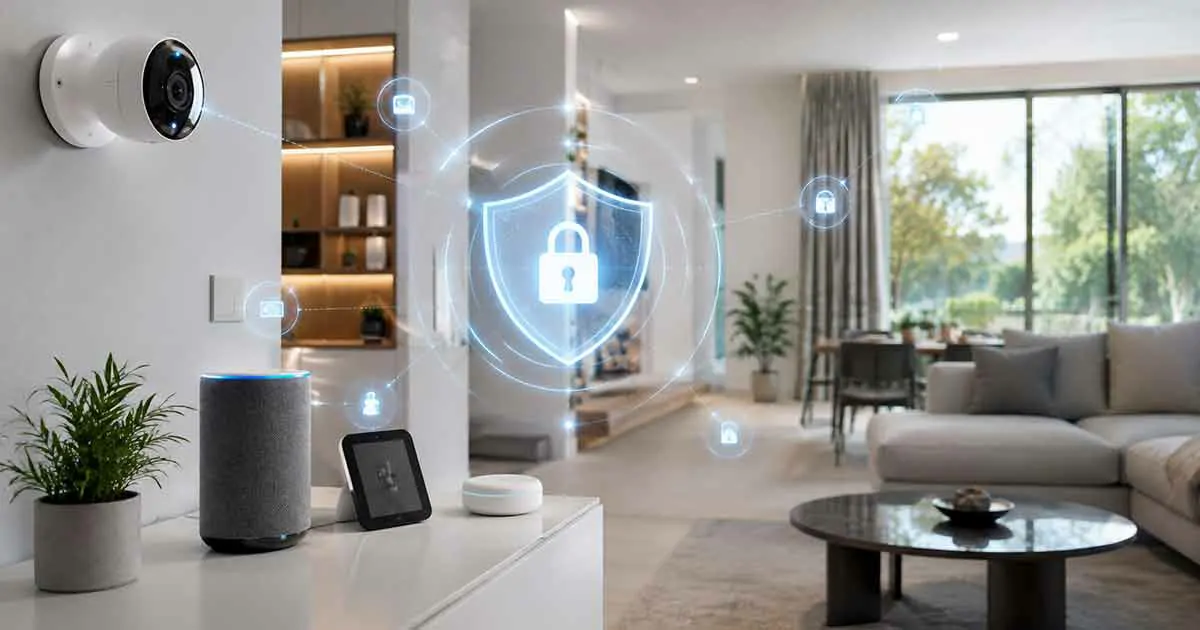
Smart home devices have transformed the way people live by making homes more convenient, efficient, and connected. However, as more devices become connected to the internet, protecting personal information and maintaining smart home security has become increasingly important.
From smart cameras and voice assistants to connected sensors and automated systems, every device should be managed carefully to reduce privacy risks.
This guide explains smart home privacy concerns, common security risks, and practical ways to protect your connected devices.
Why Smart Home Privacy Matters
Smart home devices collect and process different types of information to provide useful features.
Examples include:
- Voice commands
- Camera footage
- Usage patterns
- Location information
- Device activity
Protecting this information helps prevent unauthorized access and improves overall home security.
Common Smart Home Privacy Risks
Unauthorized Device Access
Connected devices can become targets for attackers if they are not properly secured.
Weak passwords or outdated software may increase security risks.
Data Collection Concerns
Many smart devices collect information to improve their services.
Homeowners should understand:
- What data is collected
- How it is used
- What privacy controls are available
Insecure Networks
A poorly protected home network can affect all connected devices.
Network security is an important part of smart home protection.
Camera and Microphone Privacy
Devices with cameras and microphones require extra attention.
Examples include:
- Smart security cameras
- Smart speakers
- Video doorbells
Users should review privacy settings regularly.
How to Protect Smart Home Devices
Use Strong Passwords
Every smart device should have a unique and strong password.
Avoid:
- Simple passwords
- Reusing passwords across devices
- Default login information
Enable Two-Factor Authentication
Two-factor authentication adds an additional security layer.
It helps protect accounts even if a password is compromised.
Keep Devices Updated
Manufacturers release updates to improve:
- Security
- Performance
- Reliability
Regular updates help protect connected devices.
Secure Your Home Network
A secure network is essential for smart home safety.
Recommended steps include:
- Using a strong Wi-Fi password
- Updating router firmware
- Creating a separate network for smart devices
Review Privacy Settings
Check device settings regularly.
Important options include:
- Data sharing permissions
- Camera access
- Voice recording controls
Buy Devices From Trusted Brands
Reliable manufacturers usually provide:
- Security updates
- Better privacy controls
- Customer support
Research product security before purchasing.
Smart Home Devices That Need Extra Protection
Smart Security Cameras
Security cameras require careful privacy management because they collect video footage.
Important considerations include:
- Strong account protection
- Secure storage
- Privacy zones
Smart Speakers
Voice assistants process spoken commands.
Users should review:
- Voice history settings
- Microphone controls
- Account permissions
Smart Locks
Connected locks should include strong authentication and reliable security features.
Smart Sensors
Sensors may collect information about:
- Movement
- Occupancy
- Home activity
Proper configuration helps protect privacy.
Smart Home Privacy Best Practices
Regularly Check Connected Devices
Remove unused devices from your smart home system.
Old devices can create unnecessary security risks.
Limit Data Sharing
Only enable permissions that are necessary.
Review privacy settings after installing new devices.
Monitor Device Activity
Pay attention to:
- Unexpected notifications
- Unknown login attempts
- Unusual device behavior
Create Separate User Accounts
If possible, create separate accounts for different household members.
This improves control and security.
Smart Home Security and Matter Technology
Modern standards such as Matter are designed to improve smart home connectivity.
However, compatibility alone does not replace good security practices.
Users should still:
- Protect accounts
- Update devices
- Configure privacy settings
Common Smart Home Security Mistakes
Using Default Passwords
Default passwords are one of the easiest security weaknesses to avoid.
Ignoring Software Updates
Outdated devices may have known security issues.
Installing Too Many Devices Without Planning
Every connected device increases the importance of proper security management.
Giving Unnecessary Permissions
Only allow access that devices actually need.
Frequently Asked Questions
Are smart home devices safe?
Smart home devices can be safe when they are properly configured, updated, and protected with strong security practices.
Can smart home cameras be hacked?
Any connected device can face security risks, but strong passwords, updates, and privacy settings reduce those risks.
Should smart home devices be connected to a separate network?
A separate network can provide an additional layer of protection for connected devices.
How can I improve smart home privacy?
Use strong passwords, enable two-factor authentication, update devices, and review privacy settings regularly.
Is Matter more secure than older smart home systems?
Matter includes modern security features, but users still need to follow good security practices.
Final Thoughts
Smart home privacy and security should be a priority as connected devices become more common.
By using strong passwords, keeping devices updated, securing networks, and managing privacy settings, homeowners can enjoy the benefits of smart technology while reducing potential risks.
A secure smart home is not only about having advanced devices, but also about managing them responsibly.