
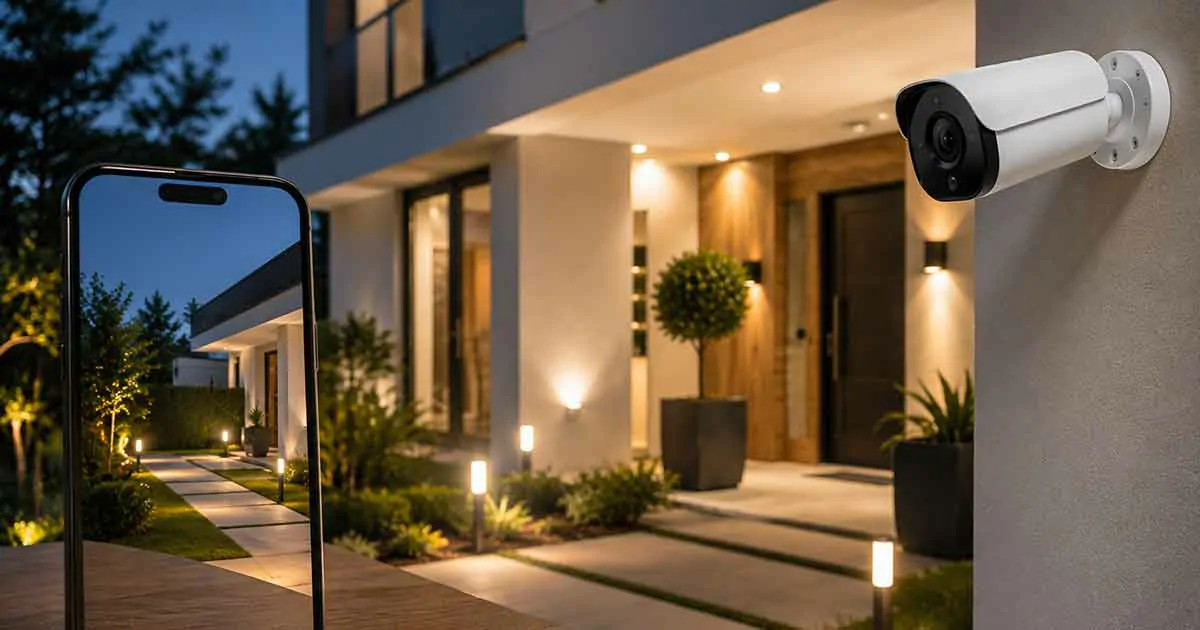
Smart security cameras have become one of the most popular solutions for modern home protection. They allow homeowners to monitor their properties, receive alerts, and check activity remotely using smartphones and connected platforms.
Unlike traditional cameras, smart security cameras combine video monitoring with advanced features such as motion detection, mobile notifications, artificial intelligence, and smart home integration.
Whether you want to protect your front door, monitor outdoor areas, or improve overall home security, choosing the right smart security camera requires understanding the available features and options.
This complete buying guide explains how smart security cameras work, their benefits, important features, common types, and how to choose the best camera for your home.
What Are Smart Security Cameras?
Smart security cameras are connected cameras that use internet technology to provide remote monitoring and intelligent security features.
They allow homeowners to:
- Watch live video
- Receive motion alerts
- Record activity
- Communicate through two-way audio
- Control settings remotely
Most smart cameras connect through Wi-Fi and can be managed through mobile applications.
How Smart Security Cameras Work
Smart security cameras use several technologies to monitor and protect homes.
The basic process includes:
- The camera captures video footage.
- Motion or activity is detected.
- The system processes the information.
- Notifications are sent to the homeowner.
- Recorded footage can be reviewed if needed.
Many modern cameras also use artificial intelligence to identify people, vehicles, or unusual activity.
Benefits of Smart Security Cameras
Remote Home Monitoring
One of the biggest advantages is the ability to check your home from anywhere.
Homeowners can:
- View live footage
- Check outdoor areas
- Monitor entrances
- Review recordings
Real-Time Security Alerts
Smart cameras can send instant notifications when activity is detected.
Examples include:
- Motion alerts
- Person detection
- Door activity
- Suspicious movement
Crime Prevention
Visible security cameras can discourage unwanted activity around a property.
They provide an additional layer of protection and awareness.
Evidence Collection
Recorded footage can help document important events.
Examples:
- Package deliveries
- Property incidents
- Visitor activity
Smart Home Integration
Smart security cameras can connect with other devices.
Examples:
- Smart locks
- Smart speakers
- Smart lighting
- Home automation systems
Types of Smart Security Cameras
Indoor Security Cameras
Indoor cameras are designed to monitor areas inside the home.
Common uses:
- Living rooms
- Offices
- Baby monitoring
- Pet monitoring
Outdoor Security Cameras
Outdoor cameras are designed to handle exterior conditions.
Important features include:
- Weather resistance
- Night vision
- Wide viewing angles
- Stronger construction
Wireless Security Cameras
Wireless cameras offer easier installation.
Advantages include:
- Flexible placement
- Simple setup
- Reduced wiring
Wired Security Cameras
Wired systems can provide reliable connections and are often used for permanent installations.
Video Doorbell Cameras
Video doorbells combine door access control with security monitoring.
Features may include:
- Visitor alerts
- Two-way communication
- Motion detection
- Remote viewing
Important Smart Security Camera Features
Video Resolution
Higher resolution provides clearer images.
Common options include:
- HD
- Full HD
- 2K
- 4K
Night Vision
Night vision allows cameras to monitor areas in low-light conditions.
Consider:
- Image clarity
- Range
- Infrared performance
Motion Detection
Motion detection helps reduce unnecessary recordings and alerts.
Advanced systems may offer:
- Person detection
- Vehicle detection
- Custom activity zones
Two-Way Audio
Two-way audio allows homeowners to communicate through the camera.
Uses include:
- Speaking with visitors
- Warning unwanted activity
- Checking on family members
Storage Options
Smart cameras may offer different storage methods.
Options include:
- Cloud storage
- Local storage
- Memory cards
Smart Home Compatibility
Choose cameras that work with your preferred ecosystem.
Compatibility may include:
- Google Home
- Amazon Alexa
- Apple HomeKit
How to Choose the Best Smart Security Camera
Determine Your Security Goals
Think about what you need to monitor.
Examples:
- Front entrance
- Backyard
- Garage
- Indoor spaces
Choose Indoor or Outdoor Models
Select cameras designed for the environment where they will be installed.
Consider Installation
Some cameras are easy DIY installations, while others may require professional setup.
Review Privacy Features
Important security considerations include:
- Data protection
- Account security
- Privacy controls
Check Storage Costs
Consider ongoing costs for:
- Cloud subscriptions
- Storage capacity
- Recording options
Common Smart Security Camera Mistakes
Poor Camera Placement
Incorrect placement can create blind spots.
Ignoring Privacy Settings
Always review privacy and security options.
Choosing Features You Do Not Need
Focus on practical features that match your goals.
Forgetting Internet Requirements
Reliable connectivity is important for smart camera performance.
Smart Security Cameras and Home Automation
Smart cameras become more powerful when combined with automation.
Examples:
Security Lighting
Motion detection can trigger outdoor lights automatically.
Smart Lock Integration
Camera systems can work with smart locks to improve access control.
Voice Control
Users can view camera feeds through compatible smart speakers and displays.
Frequently Asked Questions
Are smart security cameras worth it?
Yes. They provide remote monitoring, alerts, and improved awareness of home activity.
Do smart security cameras record all the time?
Recording options depend on the camera model and storage settings.
Do smart cameras work without Wi-Fi?
Most smart features require an internet connection.
Are outdoor smart cameras waterproof?
Many outdoor models are weather-resistant, but specifications vary.
How many security cameras does a home need?
The number depends on property size, layout, and security goals.
Final Thoughts
Smart security cameras are an essential part of modern home protection. They provide remote monitoring, intelligent alerts, and integration with other smart home devices.
Choosing the right camera requires considering location, features, storage options, and compatibility. With the right setup, smart security cameras can help homeowners create a safer and more connected home.